
SafePal card reviewed: a virtual Mastercard, a Swiss IBAN, and the trade-offs that come with them
 Available in US
SafePal is best known as a hardware-wallet brand, and its payment card plays a smaller role: a virtual Mastercard that draws on a Swiss IBAN account held through Fiat24. The card converts crypto into a spendable balance and works with Apple Pay, Google Pay, Samsung Pay and PayPal. In this review I go through who can actually get it, what it costs day to day, how the top-up flow works, where the friction shows up in 2026, and the alternatives I would look at instead. The conditions below are current as of 2026-10-20.
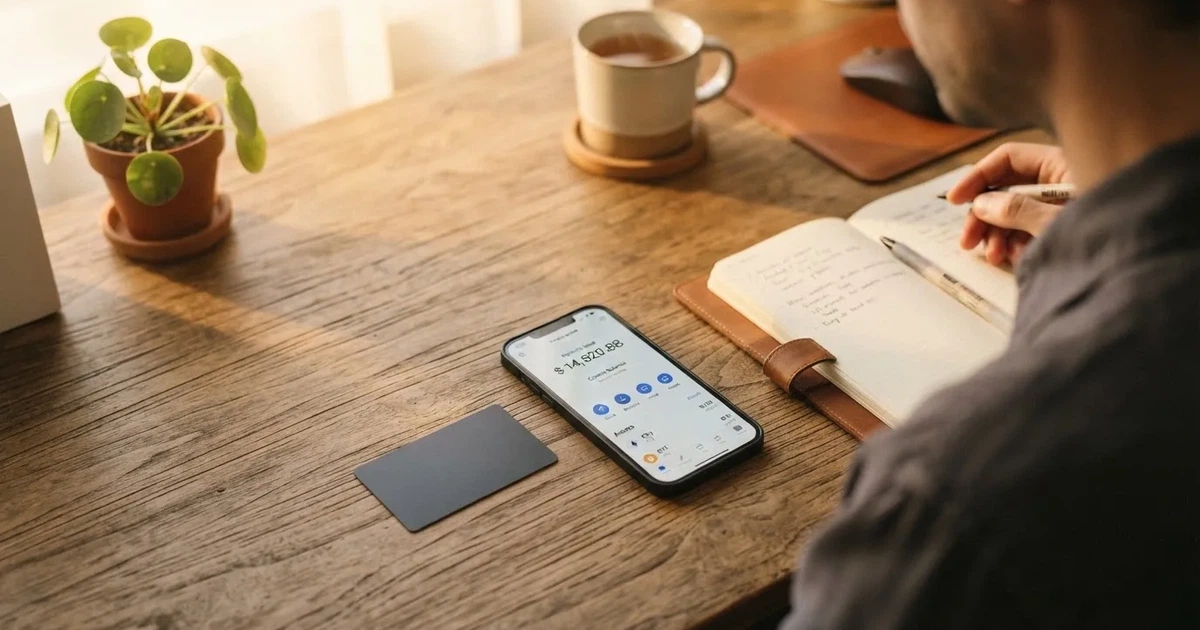
Conditions are current as of October 28, 2026.
Verdict
SafePal earns a 6.2 out of 10 in this review. The score reflects a card that is cheap to run and flexible to fund, but weak on transparency about who can actually open one and on the user-experience side of things.
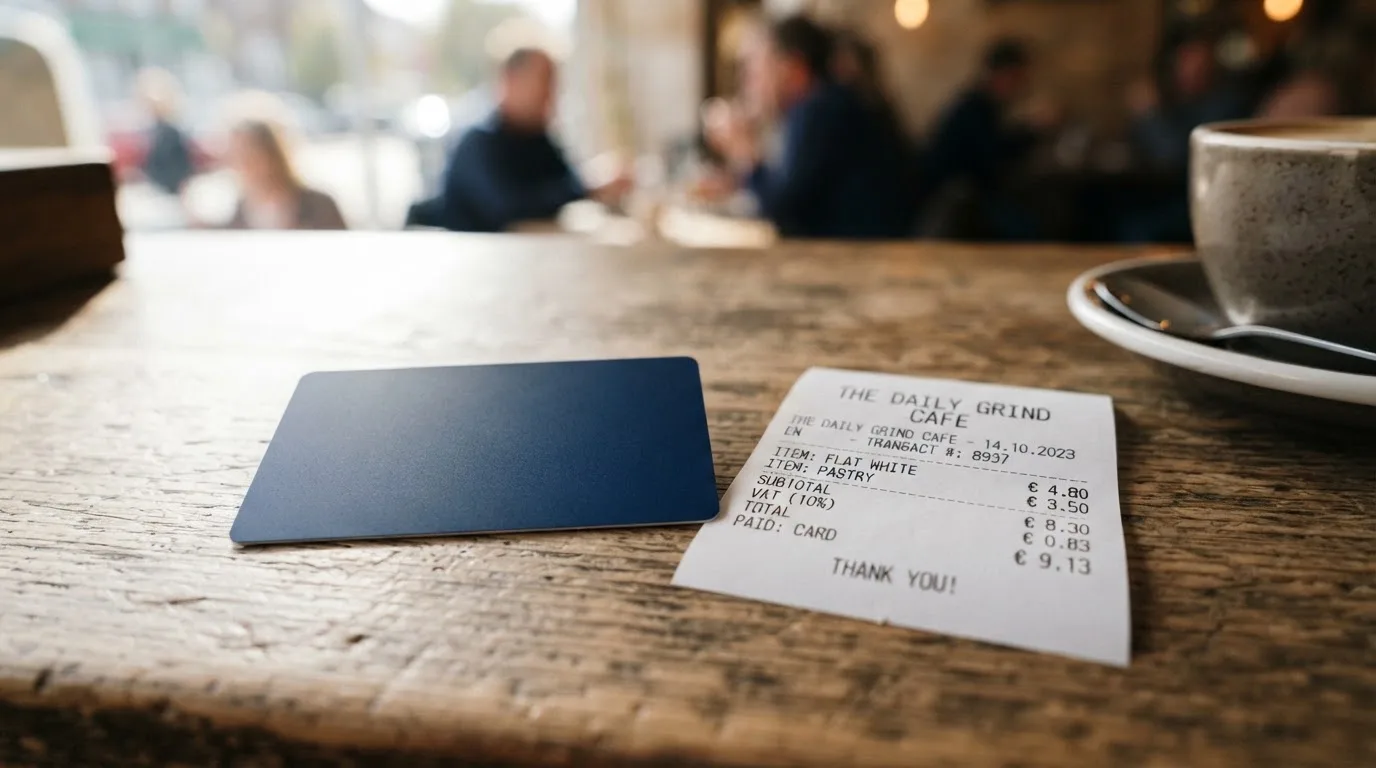
| Criterion | Mark | Why it matters |
|---|---|---|
| Who can get it | 5 / 10 | The official line is “citizens of supported regions who live in supported areas”, but the list of supported regions was empty when I checked, so most readers cannot tell whether they qualify. |
| Cost | 8 / 10 | No account creation or maintenance fees, and a 0% standard top-up fee. Mastercard charges 1% when you settle in a currency other than USD, and refunds carry a 1 USD/EUR/CHF fee. Some fee tables mention a 0.4% crypto top-up rate at the top tier. |
| Top-up options | 9 / 10 | Crypto from 40+ blockchains, converted to USDC by default. Activating the Mastercard requires a 10 USDC deposit on Arbitrum plus a small amount of ETH for gas. |
| Reliability and complaints | 4 / 10 | A Swiss IBAN sits behind Fiat24, and the card issuer is not publicly named. SafePal disclosed a 2026 data breach affecting around 39,798 customers, and Trustpilot sits at 3.1 from 394 reviews, with repeated complaints about withdrawals that do not arrive. |
| Everyday use | 5 / 10 | It is a virtual Mastercard, and it works with Apple Pay, Google Pay, Samsung Pay and PayPal. No physical card is described in the help center. Unofficial sources disagree on ATM support. |
The audience I think this card fits is narrow: existing SafePal wallet users who specifically want a Swiss IBAN and are comfortable funding from crypto they already hold. If your main goal is a smooth everyday payment card, or you live in a region that is not clearly listed as supported, this is not the card I would start with.
Will they give you the card
The eligibility line on SafePal’s banking pages is short and not very helpful: “citizens of supported regions who live in supported areas”. The page that should list those regions, at /en/bank/regions, was empty when I fetched it, so the practical answer today is: you can only find out whether your country is supported by starting the sign-up flow. The same page does publish the spending limits that come with the card, regardless of region: up to $100,000 per month once you have a Mastercard attached to the IBAN, and a much lower $1,000 per month before the Mastercard is added.
That gap between marketing language and a list is the first thing I would check before doing anything else. If you are reading this from a country not obviously on the SafePal or Fiat24 maps, the safest assumption is that the card is not available to you yet.
How to get it
SafePal runs the card as a licensed banking feature, which means full KYC and onboarding are required by the regulator. The card itself is a virtual Mastercard debit, denominated in EUR through a Swiss Fiat24 account. SafePal does not mention a physical card on its public pages, and the only help-center article under the banking-gateway section covers the virtual Mastercard, not a plastic one. Third-party sites, including CryptoCardHub and DefiLlama, also describe SafePal as virtual-only; see the everyday-use section for what that means in practice.
The KYC process itself is handled by Fiat24, not by SafePal. The steps that are documented:
- Email and phone verification, in that order.
- Address check: the app uses your location to confirm that your residential address is within 2 km of where you currently are, so location access has to be on.
- Passport scan in the ReadID Ready app. Passport is the only identity document named in the help center.
- Account limits set by region: $100,000 monthly with a Mastercard, $1,000 monthly without one.
SafePal app version 4.5.0 or later is required, and you need a small amount of ETH on Arbitrum, about 0.0001 ETH, to cover the activation transaction. Processing time, the minimum age and the exact reasons an application can be rejected are not stated in the help center. I would plan for the process to take a few business days, and I would keep a passport ready rather than another form of ID, because that is the document the app actually asks for.
There are no credit checks and no staking requirements to get the card, which is unusual for a crypto-linked product. The staking requirements only kick in if you want to move up the tier system, which I cover in the costs section.
What it really costs
The headline on cost is friendly. There is no account creation fee, no account management fee, and the standard top-up fee is 0%. The card issuance fee is not stated, which I would read as “no fee unless the help center changes”, but worth confirming in-app when you sign up.
The Mastercard has a few smaller charges that add up if you use it the way most people use a payment card. Mastercard charges 1% when a transaction settles in a currency other than USD; this is the FX fee, charged by the network, not by SafePal. Refunds carry a 1 USD / 1 EUR / 1 CHF / 7 CNH processing fee, which is unusual and worth knowing if you return a lot of items. When you swap crypto into the balance, a spread is included in the rate; the size of that spread is not quantified in the public fee article.
The bank page also mentions a crypto top-up fee “as low as 0.4%” on the top tier, and a separate fee article cites a standard 1% deposit rate that higher tiers can earn back. I will explain the tiers in a moment, because this is where the cost story really lives.
| Fee or limit | Value |
|---|---|
| Account creation | None |
| Account management | None |
| Card issuance | Not stated |
| Standard top-up fee | 0% |
| Crypto top-up (top tier) | From 0.4% |
| Mastercard non-USD settlement | 1% |
| Refund processing | 1 USD / 1 EUR / 1 CHF / 7 CNH |
| ATM withdrawals | Not stated |
| Contactless daily limit | 1,600 EUR |
| Other payment methods daily limit | 5,000 EUR |
| Monthly limit | Equals daily transaction limit |
| Mastercard-attached monthly cap | $100,000 |
| Without Mastercard | $1,000 per month |
To give the cost table some life, here is how the fees hit three everyday payments.
Coffee paid in euros from a USDC balance. You top up by sending USDC on Arbitrum; the standard top-up fee is 0%. You pay in EUR, which is one of the four zero-FX currencies, so the Mastercard FX fee is 0%. You pay the network gas on Arbitrum to fund the card, but not at the point of sale. The cost is essentially the gas you paid to top up. If the spread on the USDC-to-EUR conversion is wide on the day, the effective cost is higher, but SafePal does not publish a spread number.
A subscription in US dollars. US dollars are the default settlement currency and the only one without the 1% FX fee, so the Mastercard fee is 0%. The 0% top-up fee applies again. A subscription like this is one of the cheapest ways to use the card, but it assumes you top up frequently enough that the subscription price is what you actually want to pay.
A purchase in a currency SafePal does not list as zero-FX, say British pounds. The Mastercard adds its 1% FX fee, and the conversion goes through the default currency in your account. There is no SafePal markup on top, but the network fee is unavoidable unless you also hold GBP in the IBAN, which is one of the zero-FX currencies; payments in an enabled currency skip the FX fee.
The tier system is worth understanding, because it is where the 0.4% number comes from. Tiers are set on the first of each month from points earned in the previous three months. Opening the IBAN account gives you 1,500 points, higher tiers get a rebate on the top-up fee, and Silver, as an example, pays the standard 1% deposit rate and gets 0.1% back. You can climb the tiers by staking SFP tokens (90-day lock, no early redemption), and referral commission also depends on tier. The practical effect is that if you are a heavy user, you can shave the top-up fee down toward 0.4% on the top tier. If you only use the card occasionally, you will pay the standard 0% and not bother.
How to top it up
The card is built for crypto top-ups. SafePal lists support for crypto from more than 40 blockchains, which converts into USDC by default or into fiat if you prefer. The transactions on the funding side run on Arbitrum, and activating the Mastercard requires a 10 USDC deposit on Arbitrum plus a small amount of ETH to cover gas. The sender pays the blockchain gas, not SafePal, so you need a small ETH balance on Arbitrum before you start.
On the fee side, the standard top-up is 0% while SafePal’s program runs, and the fee article flags a zero-fee waiver on on-ramp and deposit that the team says can change. A different bank page lists fiat deposit fees from 0.6% and crypto top-up fees from 0.4% on the top tier, and the tier article cites a standard 1% deposit rate. The numbers are not contradictory so much as scattered, and you should treat the fee shown in the app at the moment of top-up as the one that applies.
For withdrawals, the rule is simpler. Transfers between accounts within the IBAN are free, and transfers to external banks carry no SafePal or Fiat24 fee, although other banks may charge their own. The help center has articles on payout transfers. The exact steps to withdraw back into crypto, and the treatment of any remaining balance when you close the account, are not stated in the help center.
A few practical points on top-ups that come up often:
- Send on a network the card supports. The help center is explicit that transactions run on Arbitrum, and the activation deposit is denominated in USDC on Arbitrum. Sending USDC on a different network, or sending another stablecoin by mistake, can be lost or stuck in manual support, because blockchain transfers are irreversible.
- Keep some ETH on Arbitrum. Gas is paid in ETH, and a wallet with USDC but no ETH cannot send.
- The default conversion is to USDC, not USD. If you want to hold dollars, USDC is the route, and you should remember that it is a stablecoin, not a deposit.
Paying with it every day
Once the card is active, the everyday flow is straightforward. SafePal lists Apple Pay, Google Pay, Samsung Pay and PayPal as supported, so the card works for tap-to-pay, online checkout and PayPal-funded purchases. The list of blocked merchant categories is not stated in the help center, which I would read as “policy-driven and may change”, so if a specific category matters to you, like gambling or crypto purchases, check the in-app settings.
There is no cashback on spending. Rewards come from the referral program, which pays up to 40% of referred top-up fees, and from the tier privileges I described above. If a flat cashback percentage is important to you, this card does not have one, and that is a clear difference from MetaMask or KAST in the alternatives section.
The SafePal app is the main control panel. The iPhone/iPad version requires iOS 15.0 or later, and the current build was version 4.11.12 as of 12 October. The App Store rating, read 2026-10-20, was 4.7 out of 5 from about 17,000 ratings, which is the wallet as a whole rather than the card. The Google Play rating is not publicly available. The app interface includes Russian, alongside English and twelve other languages, in case the help center does not cover the question you have.
For disputes and refunds, the help center does not describe a chargeback process for the card. Refunds carry the 1 USD / 1 EUR / 1 CHF / 7 CNH processing fee I mentioned in the costs section, and the help center says that failed registrations or banned accounts are handled by Fiat24’s support. That is a thin dispute story for a card product, and worth weighing against cards that publish a clearer process.
What can go wrong
There are two threads here, one about the company and one about the day-to-day experience.
On the company side, the 2026 data breach is the headline. SafePal disclosed that order information for around 39,798 customers was exposed. SafePal says the leak did not include seed phrases, private keys, card numbers or ID documents, but users had reported phishing attempts with accurate personal data in early July, weeks before the disclosure, which is the kind of thing that makes people nervous. The card issuer is not publicly named, which makes the chain of responsibility harder to follow if something goes wrong: SafePal is the brand, Fiat24 holds the licence and the Swiss IBAN, and the actual card programme sits with an unnamed issuer on top of that.
On the experience side, the Trustpilot score for SafePal is 3.1 out of 5 from 394 reviews, with 57% five-star and 37% one-star; a separate pull had 3.5 from 374 reviews, which is the same range. The company answers about 93% of negative reviews, which is unusually high. The specific complaints that show up in 2026 are about swaps and withdrawals marked as completed but not arriving, a Fiat24 refund that came back about 20% short, phishing calls using real order details, and an email-only support channel that uses copy-paste replies. None of the available reviews mentions the card or the IBAN directly, which suggests these are mostly wallet-level complaints, but the pattern is the kind of thing I would weigh before locking meaningful funds into the balance.
The positive controls on the card itself are standard. You can freeze and unfreeze the card, view transactions in the app, set a custom spending limit, and reach a dedicated support channel that the company set up specifically against impersonation scams. KYC and the IBAN account are run by Fiat24 in Switzerland, while the SafePal wallet remains non-custodial per SafePal’s own replies on Trustpilot. Insurance for card balances is not stated.
On the news side, three dates matter. In March 2026 a SafePal blog note said the fiat on-ramp is disabled until further notice, and the crypto on-ramp through third parties like MoonPay still works. In July 2026 the data breach and phishing reports came out, and a help article dated 25 July 2026 formalised the 10 USDC Mastercard activation. The 2024-03 press around Fiat24’s investment and gateway launch called the card Visa; current pages say Mastercard, which is the more reliable source.
What to take instead
If the SafePal card does not quite fit, here is how three alternatives stack up. Each row below is taken from a separate review and is summarised here for comparison; the score is the one that review gave the card.
| Card | Score | Card type | Annual fee | FX fee | Rewards | Where it works |
|---|---|---|---|---|---|---|
| MetaMask Card | 7.1 / 10 | Virtual Mastercard first; Metal pre-order | Virtual free; Metal $199/year | Mastercard rate, no extra MetaMask fee | 1% cashback in mUSD (Virtual); 3% to $10,000 then 1% (Metal); 5X/7X $FLY via Blackbird | Sign-up open in 45 listed countries, others join a waitlist; US/UK sign-ups currently closed |
| KAST | 6.1 / 10 | Virtual and physical Visa, up to 10 cards | Standard $0; Premium $1,000; Private $10,000 | 0.5%–1.75% non-USD depending on residence and card programme | USD cashback 1.5% (Standard) / 2% (Premium) / 3% (Private), plus KAST Points | Country list published at KYC, with a separate “Restricted Locations” rule that can still block an eligible resident |
| Zeal | 6.1 / 10 | Virtual Visa, addable to Apple Pay | Not stated | Zeal charges no extra FX; conversion at Visa wholesale rate | Up to 4% cashback in GNO; up to 5% variable APY on EUR/USD balances | Spend in 150+ countries; live card programme in EU, UK, Brazil, Colombia, Mexico, Japan, Singapore, Philippines, Indonesia, Thailand |
The choice between them is mostly about what you already use. If you live inside MetaMask’s 45-country sign-up list, the MetaMask Card is the cheaper, smoother option for a virtual Mastercard with cashback; you can pre-order a metal version if you want a physical card, but the $199/year is a clear premium. If you want a Visa with up to 10 cards per user and a published cashback percentage, KAST is the more feature-heavy pick, and the three tiers are aimed at different spending levels. If the appeal of SafePal is the Swiss IBAN specifically, Zeal’s account structure in EUR/USD/GBP is the closer analogue, although Zeal’s own fee schedule is not published and the cashback is paid in a token you have to hold.
A short note on the card form factor. SafePal’s product is virtual only on the official pages; MetaMask starts virtual then offers a metal pre-order; KAST offers virtual and physical on each tier; Zeal lists a virtual card and a path to Apple Pay, with no physical card mentioned.
Who I would recommend it to
I would recommend the SafePal card to existing SafePal wallet users who specifically want a Swiss IBAN and are comfortable funding the card from crypto they already hold. The combination of a 0% standard top-up fee, zero-FX on EUR/CHF/USD/CNY, and 40+ supported blockchains is genuinely useful for that audience, and the rebate structure on the higher tiers can make crypto top-ups close to free for heavy users.
I would not recommend it as a first payment card. The supported-regions page is empty, the card issuer is not named, the dispute process is thin, and the 2026 data breach is the kind of event that makes me cautious about loading a large balance. If you do use it, my suggestion is to keep only the amount you plan to spend in the next few weeks, freeze the card when you are not using it, and use Apple Pay or Google Pay rather than typing the card number into websites.
If you are choosing between this card and the alternatives, the short version is: MetaMask Card if you are in its 45-country sign-up list and want cashback, KAST if you want a physical Visa with a published tier structure, and Zeal if you want a multi-currency Visa account and a published fee philosophy. SafePal is the pick when the IBAN and the SafePal ecosystem matter more than the card features themselves.
Frequently asked questions
What is the SafePal card?
The SafePal card is a virtual Mastercard debit tied to a Swiss IBAN account held through Fiat24. You fund it from crypto, the balance is converted to fiat, and you spend the fiat through the card or through Apple Pay, Google Pay, Samsung Pay or PayPal.
How does the SafePal card work?
You open a Swiss IBAN account inside the SafePal app, complete KYC with Fiat24, send crypto from one of 40+ supported blockchains, and the balance is converted to USDC by default. You can then spend it through the virtual Mastercard or tokenise it into a mobile wallet. Settling in a currency other than USD costs 1% through the Mastercard network.
Is SafePal a bank?
No. SafePal is a wallet company. The banking side of the product is provided by Fiat24, a regulated Swiss firm, and the card is issued by an unnamed partner on top of that. The card is branded SafePal but the IBAN and the account are with Fiat24.
Who owns SafePal?
SafePal is operated by its own company rather than by Fiat24; the cards and wallet sit under the SafePal brand. SafePal is best known for its hardware and software wallets. The banking gateway is a partnership with Fiat24 rather than an acquisition.
How do I get the SafePal card?
Open the SafePal app on a recent version (4.5.0 or later), complete KYC with Fiat24 by verifying email and phone, scanning a passport in ReadID Ready, and confirming your residential address within 2 km of your current location. The card is a virtual Mastercard, so there is no delivery step. The supported regions page on SafePal’s site is currently empty, so availability by country has to be confirmed inside the app.
Does the SafePal card require KYC?
Yes. KYC is required because the product is a regulated banking feature, and the checks are run by Fiat24, not by SafePal. The process is email and phone verification, address check, and passport scan. There is no credit check and no staking requirement to open the account.
How do I activate the SafePal card?
Activation is a 10 USDC deposit on Arbitrum plus a small amount of ETH for gas, per a help article dated 25 July 2026. After activation, the Mastercard is available inside the SafePal app and can be added to Apple Pay, Google Pay, Samsung Pay or PayPal.
How do I top up the SafePal card?
You send crypto from a supported wallet to the address shown in the SafePal app. The standard top-up fee is 0%, transactions run on Arbitrum, and the default conversion is to USDC. You pay the blockchain gas, not SafePal, and you should send on Arbitrum unless the help center for your account says otherwise.
How do I add the SafePal card to Apple Wallet?
Open the SafePal app, go to the card screen, and follow the prompts to add the card to Apple Wallet. The process uses a tokenised Device Account Number rather than your real card number, so the underlying PAN is not stored on Apple’s servers.
Is the SafePal card safe?
The card has the standard controls: freeze and unfreeze in the app, custom spending limits, and 3-D Secure-style confirmation when issuers require it. On the company side, SafePal disclosed a 2026 data breach affecting around 39,798 customers, with order information exposed but no seed phrases, keys, card numbers or ID documents per the company. Trustpilot sits at 3.1 from 394 reviews, with a high share of one-star complaints about slow support and withdrawals.
Wallet cards – cryptocardsearch.com
Content created by the «cryptocardsearch.com» team