
Is the Cryptomus card worth using — and who is it actually for?
 Available in US
I went through Cryptomus’s card pages, its help centre, the public score and the public complaint record to see what someone signing up would actually face. The short version: it is a virtual Visa/Mastercard funded with USDT or USDC, issued in about 5 minutes after KYC, and priced with a $4 issuance fee plus a 3.2% top-up fee — but the company behind the card programme is not named, the card has no physical version, and the user score on Trustpilot is poor. The full breakdown is below.
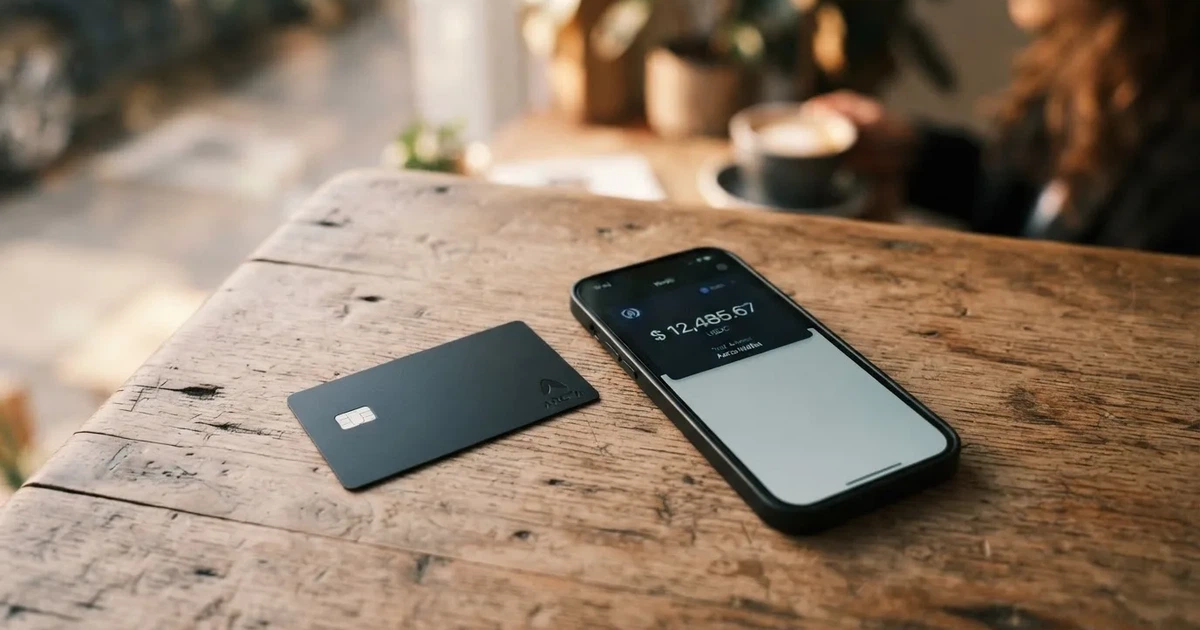
Conditions are current as of October 28, 2026.
Verdict
My overall score for the Cryptomus card is 4.7 out of 10. It is a real product that works for one specific job — paying online merchants with a USDT or USDC balance — but it is held back by a thin public fee schedule, an unnamed issuer, no physical card, and a complaint trail that includes deactivated cards and AML holds.
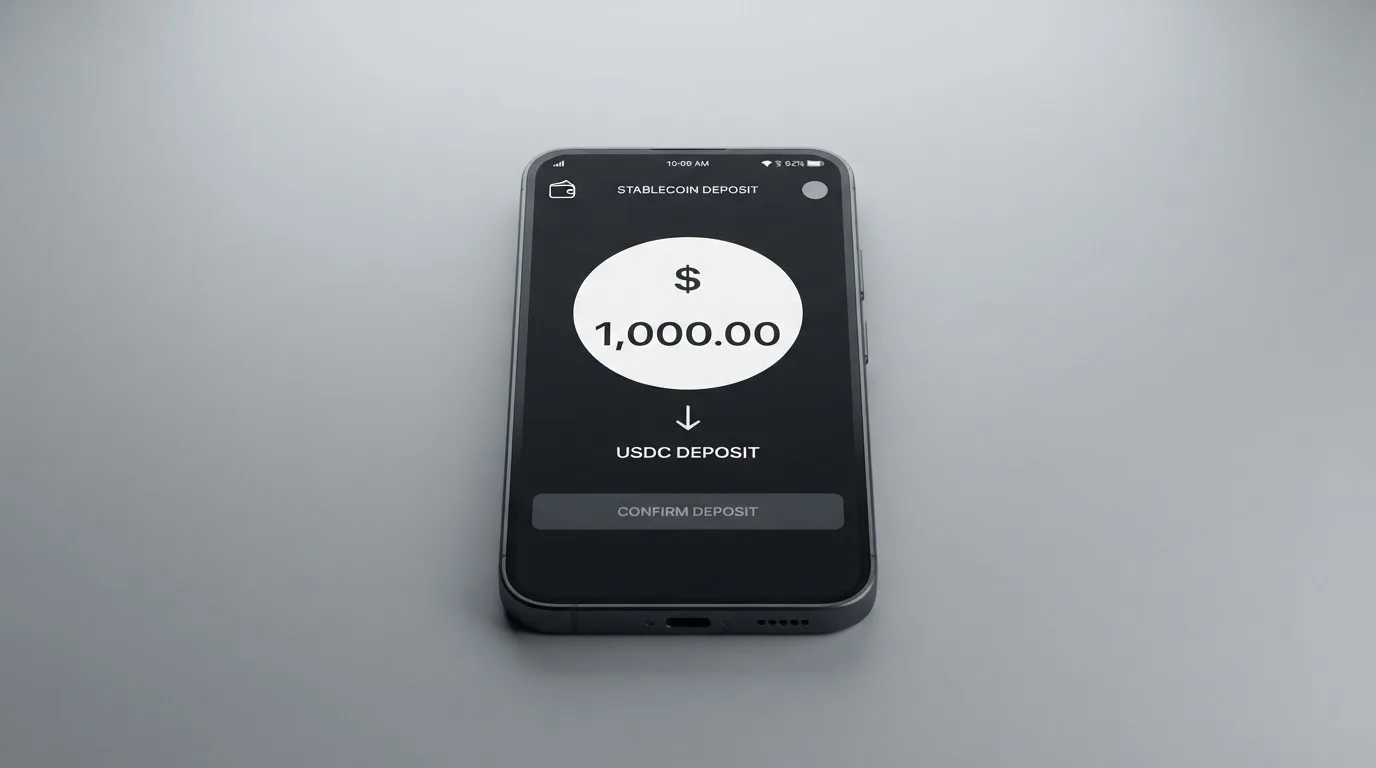
Who it suits: people who already keep funds on Cryptomus, mostly pay online, and want a quick virtual Visa or Mastercard they can issue in minutes without a physical card. The cost is small in absolute terms, and topping up with USDT is straightforward if you are inside the platform.
Who it does not suit: anyone who needs to take cash out, anyone who needs a physical card with contactless at a physical terminal, anyone who needs Apple Pay or Google Pay confirmed by the card issuer itself, anyone in a country where Cryptomus is restricted, and anyone who is uncomfortable with the absence of a named issuer and a Trustpilot profile at 2.4 out of 5.
Score breakdown
| Criterion | Mark | Why |
|---|---|---|
| Who can get it | 8 / 10 | “Most countries worldwide” is the stated reach, with a note that local rules can restrict eligibility. No country list, and residence vs citizenship is not spelled out. |
| Cost | 3 / 10 | Issuance is $4. Top-up is 3.2%. Maintenance or inactivity depends on card type and is not detailed. Unofficial sources quote an FX fee around 3.9%. |
| Top-up options | 5 / 10 | USDT and USDC, with the caveat that networks are not specified and the list may grow. |
| Reliability and complaints | 3 / 10 | The issuing bank and corporate entity are not named. Trustpilot sits at 2.4 from 521 reviews; reported cases include a virtual card deactivated after a $1,200 payment and repeated AML holds on user funds. |
| Everyday use | 4 / 10 | Virtual Visa and Mastercard only, with phone NFC payment mentioned. Apple Pay and Google Pay are listed only by third-party sources, not by Cryptomus itself. No ATM. |
| Total | 4.7 / 10 | — |
The audience I would write this score for is the kind of person who already pays online with USDT and just wants a card to spend from. For them, the friction is small and the price is bearable. For anyone else, the same product becomes harder to justify.
Who will they give you the card
Cryptomus says the card is available in “most countries worldwide” and that the list can be restricted by local regulation. There is no published country list, and the company does not say whether the test is residence, citizenship, or both. In practice this means the actual answer is: register, start KYC, and see what the system says — and that answer can change as regulations move.
The company does not name the issuing bank or the legal entity that runs the card programme on its public pages. If you read the cards page, you will see the product, the BINs, and the currencies; if you read the help centre, you will see the steps to top up. Neither tells you the licensed institution that actually carries the card balance. That is unusual for a regulated card and is one of the first things I would want answered before moving any meaningful balance.
I would also pay attention to your own situation. The card is virtual, so it is a card number and an expiry date on your screen — there is nothing to post to you and no address to lose. If you travel, the card does not need to be in your wallet; it needs to be on the device you use to pay. The “most countries” line includes more places than the EU, but it also means that the answer for any single country is “check at sign-up”.
How to get it
The signup path on Cryptomus is short. You register an account, complete KYC, and then apply for a card. Once KYC is passed, the card is “issued in about 5 minutes” and works immediately after activation.
What the public pages do not say is also worth noting. They do not list the documents you will be asked for, the proof of address if any, the minimum age, the levels of KYC, the processing time per level, or the reasons an application might be rejected. “Pass KYC” is treated as one step. In a regulated card market, that single step usually splits into identity, address, source of funds, and a sanctions check, with different limits per level. Cryptomus does not document any of that on the card page.
There is no physical card option, and no delivery to wait for. The card is virtual, issued to your account, and ready as soon as activation finishes. NFC phone payment is mentioned on the cards page, which suggests tokenisation into a mobile wallet — though the page does not name Apple Pay or Google Pay by name (third-party listings do, but I would not treat that as confirmation).
What it really costs — Cryptomus card fees
The published fee schedule is thin. You can see the issuance fee, the top-up fee, and the conversion moment; you cannot see an FX mark-up, an ATM fee, a monthly fee, or the spending limits on the official page. That alone shapes how I read the rest of this section: I will tell you what the company says, what third-party sites say, and where the two disagree.
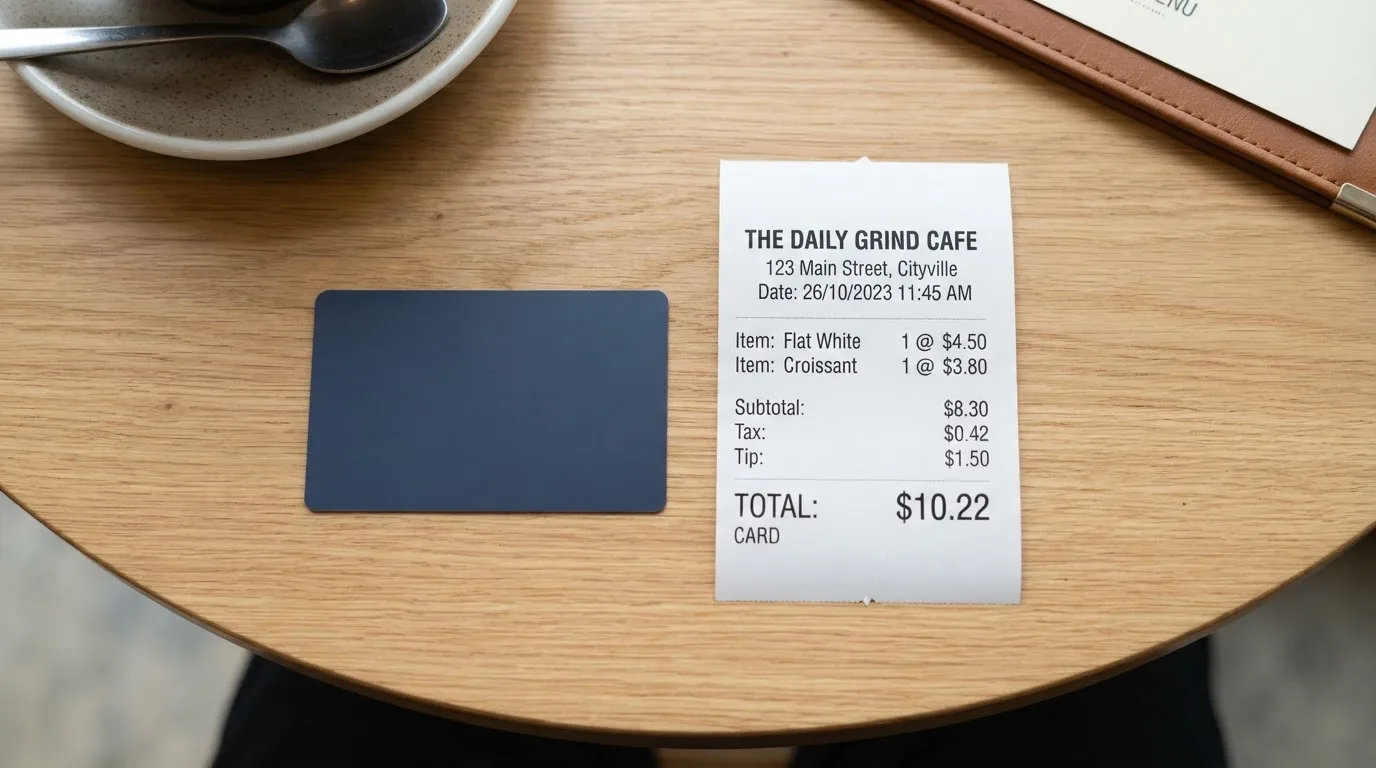
The conversion model is one of the simpler ones. You top up the card in USDT or USDC; Cryptomus converts it to fiat at the market rate at the moment of top-up; the card then spends that fiat balance. The crypto-to-fiat spread is not given a number on the public page, but the top-up fee (3.2%) and the issuance fee ($4) are. Unofficial listings quote a 3.9% FX fee, but I would not rely on that without confirmation from Cryptomus.
There is no monthly fee quoted on the public cards page, but the company notes that optional maintenance or inactivity fees “may vary” by card type. Since the card types themselves are not named or priced publicly, that “may vary” is doing a lot of work.
Costs at a glance
| Fee or limit | Value | Source |
|---|---|---|
| Card issuance | $4 | Official |
| Top-up fee | 3.2% | Official |
| Crypto-to-fiat conversion | At market rate at top-up | Official |
| Payment / conversion fee in-app | “May vary” (no figure) | Official |
| FX fee | Not stated by Cryptomus; 3.9% per third-party listings | Unofficial |
| Monthly fee | Not stated (maintenance / inactivity may apply by card type) | Official |
| ATM withdrawal | Not stated; third-party sites disagree (virtual-only vs “unlimited”) | Unofficial |
| Daily spending limit | Not stated; $10,000 per third-party listings | Unofficial |
| Monthly spending limit | Not stated; $25,000 per third-party listings | Unofficial |
What this looks like for three everyday payments
To make the numbers less abstract, here are three common payments and the fees that apply on top of them.
- Online subscription at $9.99 / month. You top up $10.13 in USDT to cover the $9.99 (the 3.2% top-up fee on $9.99 is about $0.32; a $10.13 top-up leaves a small buffer). At conversion, the crypto-to-fiat rate applies; if the third-party FX figure of 3.9% is real, an extra 39 cents on the dollar disappears. The card has no monthly fee to offset that, and the $4 issuance is a one-time cost spread across all the months you keep the card.
- One-off online purchase at $200. With the 3.2% top-up fee, the base cost is $206.40 before any FX mark-up. If you apply the unofficial 3.9% FX mark-up, the final cost rises further, making this card more expensive than most bank cards for online purchases in your billing currency.
- Paying a freelancer $1,200 once. The 3.2% top-up fee applies to the amount. This is the kind of payment that shows up in the complaint record, where a user reported their virtual card being deactivated after a $1,200 transaction and a refund being refused. The card programme blocked the card after a series of declines, and Cryptomus says the company does not control the issuer’s decisions. If you intend to make a single payment of that size, you should expect friction.
These figures are best treated as an order-of-magnitude estimate. The top-up fee is confirmed; the FX fee is not. The picture is clear enough, though: a card with a small issuance fee and a non-trivial top-up fee, on top of an FX mark-up that is not published, is a card that punishes anyone who treats it like a cheap everyday spend.
How to top it up
The funding path is direct: you send USDT or USDC to the card’s top-up address, Cryptomus converts it to fiat at the market rate, and the card balance is credited in fiat. That is the model, and the company says the list of supported coins may expand.
What the company does not say is more important here than what it does. It does not name the networks. USDT and USDC exist on Ethereum, Tron, Solana, Polygon, Avalanche, Arbitrum, Base, and a long list of others. Circle stopped supporting USDC on Tron in February 2024, so “USDC over TRC20” is not a native option. If you send USDT on a network Cryptomus does not support, or to an address of the wrong network, blockchain transfers are irreversible and the funds can be lost or stuck waiting on manual support. There is no minimum top-up stated, no fiat top-up option stated, and no withdrawal path stated (whether you can move the card balance back to crypto, to a bank, or close the card).
In practice, the safest approach is to top up from a wallet that lets you pick the network explicitly, send a small test amount first, and only then move the full balance. If you are holding USDT on Cryptomus already, the top-up is essentially a button in the same account, which is the case where the card is least painful.
Paying with it every day
The card is a virtual Visa or Mastercard, with “10+ BINs” and multi-currency support (the specific currencies are not named). That matters because the BIN — the first six or eight digits of the card number — identifies the issuer, and merchants can use that to apply extra scrutiny. A virtual card with a foreign-looking BIN can be declined by merchants who normally check.
Phone payment via NFC is mentioned, which is the general mechanism behind Apple Pay and Google Pay. The public page does not name those wallets, and one third-party product listing says both are supported, while another does not. I would not count either as confirmed until Cryptomus itself says so on its own page.
Other everyday pieces of the picture are not stated: blocked merchant categories, cashback or rewards (the cards page mentions none), and the dispute process. The mobile app is available in the App Store and Google Play, with expense control and transaction history; app store ratings are not given. Customer support is reachable through a Telegram bot (cryptomus_support_bot), email at [email protected], and the FAQ — languages, hours, and response times are not stated.
What can go wrong
This is the section I would read first if I were you. Two things stand out: the absence of a named issuer, and the complaint record.
On the issuer: the cards page and the help centre do not name the bank that issues the card or the legal entity that operates the programme. The “10+ BINs” line tells you there are several issuer banks behind the scenes, but it does not tell you which ones. A licensed issuer is the institution that carries the card balance, that handles the KYC on the card side, and that has the obligation to safeguard funds under e-money rules. If you cannot name it, you cannot check its regulator, its licence, or its history. For a card that holds a fiat balance drawn from your crypto, that gap is a real risk.
On the complaint record: Trustpilot shows Cryptomus at 2.4 out of 5 from 521 reviews, read on 2026-10-20. The distribution is polarised — 43% one-star, 49% five-star — and Trustpilot itself flags the page as “may be associated with high-risk investments”. Most of the reviews are about the payment service rather than the card, but the card-specific cases are the ones that matter here.
- A virtual card was deactivated after a $1,200 transaction in September 2026, with the refund refused. Cryptomus’s stated reason is that the issuing bank blocked the card after a series of declines; the company says it does not control the issuer’s card programme. The user’s experience is that the card stopped working mid-payment, with the balance effectively frozen.
- Repeated AML and KYC holds on user funds between August and October 2026, on dates including 30 August, 6 September, 14 September, 17 September and 6 October. These are not isolated cases: they are a pattern of freezes while documents are reviewed. Under EU rules, an institution that cannot complete due diligence is required to refuse the transaction or end the relationship. That is what is happening here, and it is the standard regulatory outcome — but it also means that the funds are not available to the user while the hold is open.
- Slow support and tickets closed as duplicates over the same period, which means users in the middle of an AML hold had limited recourse to a human.
On the security side, the company lists 3-D Secure authentication, freeze and unfreeze, and biometric login. It also points to a CertiK project page. What it does not list is a custody model (whether your funds are held in a pooled account, segregated, or insured), and it does not name a depositor. If the issuer were named, the regulatory status of those funds would be a single lookup; as it stands, it is not.
A broader category risk is worth keeping in mind. Card networks can and do close programmes: Visa terminated its global agreements with FTX on 13 November 2022; WaveCrest, a Visa issuer that supplied crypto card brands, was suspended by Visa in Europe in 2018. When a programme is closed, there is usually a notice period, then a stop on loading, then a stop on spending, then a window to withdraw the balance. If a single event closes this card programme, the speed at which you can move your balance depends on the issuer — and the issuer is not named here.
What to take instead
If the Cryptomus card is not the right fit, the comparison set is small and mixed. I have picked three that are in the same rough category — crypto-funded cards aimed at a broad audience — with brief notes on each. None of these is a recommendation in itself; they are the alternatives I would look at before deciding.
Bitrefill (score 6.8 / 10)
Bitrefill sells a virtual and physical Visa. The card is free through the app, with an inactivity fee after 12 months of no spending or cash-out. Crypto-to-euro conversion includes a deposit spread, SEPA pay-ins carry a 1.99% fee, and the spread applied by payment processors and ATM operators at the point of spend is not stated. Cashback is 2% with no cap, split as 1% on each crypto deposit and 1% on each purchase. Country eligibility is not stated; the terms say access is “subject to eligibility criteria” and that further requirements set by partners apply. If you already use Bitrefill to buy gift cards with crypto, the path to the card is short and the cashback is the clearest in this group.
UPay (score 6.1 / 10)
UPay offers virtual and physical cards, personal and business, with a wallet that can be topped up in BTC, ETH, USDT or USDC. It claims support in 180+ countries but does not name the network or publish a country list, and notes that residents of certain countries are not served and that the KYC partner only accepts ID documents issued in the user’s country of residence. The card converts to USD, EUR, AED and other currencies, and the cashback terms are not stated on the card page. UPay is a fit if you want both virtual and physical options and a wider currency list than Cryptomus.
Kemy (score 6.0 / 10)
Kemy publishes its pricing more openly than the others in this group. A virtual Visa costs $15 to issue and is valid for three years, with a $2 monthly fee; a physical Mastercard costs $250 (DHL Express included) and is valid for three years, with a $10 monthly fee. Top-up is $1.50 under $100 or 1.25% from $100, and the transaction fee is 3.5% plus $1. There is a conflict in the public materials between an 8% main-account deposit fee and a 5% figure in another section, which is itself a reason to read the fine print carefully. Kemy operates in 190+ countries with “a few restrictions”, and the on/off ramp covers USDT, USDC, BTC, ETH and SOL, plus mobile money and virtual bank accounts. The numbers are the clearest in this comparison, and the cashback is not mentioned.
| Alternative | Score | Card types | Top-up | Cashback | Notable trade-off |
|---|---|---|---|---|---|
| Bitrefill | 6.8 / 10 | Virtual + physical Visa | BTC, Lightning, ETH, USDC, USDT, SOL, plus Apple/Google Pay, Visa, Mastercard, SEPA | 2% no cap (1% deposit + 1% purchase) | Country list not stated; SEPA pay-in 1.99% |
| UPay | 6.1 / 10 | Virtual + physical, personal + business | BTC, ETH, USDT, USDC | Not stated | ID must be issued in country of residence; card network not named |
| Kemy | 6.0 / 10 | Unlimited virtual Visa + one physical Mastercard | USDT, USDC, BTC, ETH, SOL, mobile money, virtual bank | Not mentioned | Higher monthly fees; conflicting deposit-fee figures |
Who I would recommend it to
I would recommend the Cryptomus card to a narrow kind of reader. If you already hold USDT or USDC on Cryptomus, mostly pay online, do not need a physical card, do not need to take cash out, and treat the card as a small spending balance rather than your main account, then the friction is bearable: the $4 issuance is small, the card is ready in minutes, and the top-up is one button in the same app. The fees are real but not ruinous at low balances, and the card is virtual, so there is nothing to lose.
I would not recommend it to anyone outside that group. If you need a physical card with contactless, the card does not exist. If you need to take cash out, the public page does not support it. If you need Apple Pay or Google Pay confirmed by the issuer, only third-party sites say so. If you are moving meaningful amounts, the lack of a named issuer and the 2.4 Trustpilot score mean you are trusting a structure you cannot fully see. And if your account is hit by an AML review, the funds stay frozen until the documents are accepted — which is by design, but is also why you should never load more than you can afford to have unavailable for a few weeks.
The single biggest question I would want answered before signing up is the one the public page does not answer: who is the issuer, and under which regulator? Everything else — fees, limits, blocked merchants, top-up networks — is either stated or can be answered by support. The issuer is the foundation the card sits on, and the foundation here is unnamed.
Frequently asked questions
What is the Cryptomus card?
It is a virtual Visa or Mastercard issued by Cryptomus, funded by topping up with USDT or USDC. The card has no physical version and is issued in about 5 minutes after KYC. The cards page lists “10+ BINs” and multi-currency support, but the specific card currencies and the issuing bank are not named on the public page.
How does the Cryptomus card work?
You register on Cryptomus, complete KYC, apply for the card, and top it up with USDT or USDC. Cryptomus converts the crypto to fiat at the market rate at the moment of top-up, and the card spends that fiat balance like a prepaid Visa or Mastercard online. There is no overdraft, because the card is a prepaid balance.
Is Cryptomus a bank?
The public pages do not say so, and they do not name the bank that issues the card. Cryptomus is best understood as a crypto payments platform that offers a card programme through a licensed issuer; the issuer and the licence are not stated on the cards page or in the help centre.
Who owns Cryptomus?
The public materials reviewed do not name the parent company or the corporate entity behind the card programme. The site lists a Telegram support bot, an email at [email protected], and a CertiK project page, but the legal ownership of the card-issuing entity is not stated.
Is the Cryptomus card available in my country?
The site says “most countries worldwide”, with the note that local rules may restrict eligibility. There is no country list, and residence vs citizenship is not spelled out, so the reliable way to find out is to start KYC and see what the system returns. The answer can change as regulations move.
Does the Cryptomus card require KYC?
Yes. You register on Cryptomus and pass KYC before the card is issued. The specific documents, the proof-of-address requirement, the age minimum, the KYC levels, and the rejection reasons are not stated on the public pages.
How do I top up the Cryptomus card?
You send USDT or USDC to the card’s top-up address; Cryptomus converts the crypto to fiat at the market rate and credits the card balance. The top-up fee is 3.2%. The networks supported for USDT and USDC are not specified on the public page, and the minimum top-up is not stated.
Can I use the Cryptomus card with Apple Pay or Google Pay?
The Cryptomus cards page mentions NFC phone payment, which is the mechanism behind both, but does not name Apple Pay or Google Pay. Third-party product listings say both are supported, but I would treat that as unofficial until the company confirms it on its own page.
How do I take cash out with the Cryptomus card?
The public page does not state an ATM option, and the card is virtual only, with no physical version. Third-party sites disagree on whether ATM use is possible: one says ATM use is unavailable because the card is virtual-only, another says ATM withdrawal is “unlimited”. Neither is confirmed by Cryptomus itself.
Is the Cryptomus card safe?
The card uses 3-D Secure authentication, freeze and unfreeze in the app, and biometric login. What is not stated is the custody model for the fiat balance, the insurance on that balance, and the name of the issuer that carries the regulatory obligation. The Trustpilot profile for cryptomus.com is at 2.4 out of 5 from 521 reviews as of 2026-10-20, with reported cases of cards deactivated mid-payment and AML holds on user funds between August and October 2026.
Virtual cards – cryptocardsearch.com
Content created by the «cryptocardsearch.com» team