
A virtual Visa debit card funded by USDC, USDT, and other tokens on multiple networks
 Available in US
The Cashi card is a USD-denominated virtual Visa debit card that draws on a balance held in stablecoins. You send USDC or USDT to Cashi on a blockchain of your choice, the balance sits there in dollar-pegged tokens, and when you pay at a shop the system converts the stablecoin balance to dollars and routes the payment through Visa. The card is currently virtual only; a physical version and Apple Pay support are on the company’s roadmap, while Google Pay already works for in-store tap-to-pay on Android. Cashi itself describes the product as a “public beta” launched in August 2026, and the company frames its role as providing technology only, with financial products issued and managed by licensed third parties whose names are not stated on the site.

If you already hold stablecoins across multiple wallets and networks, or you’ve had trouble getting an ordinary bank card, Cashi’s design is aimed at you. It accepts USDC and USDT on Tron, Solana, Polygon, BNB Chain, Arbitrum, Ethereum, Base, and Bitcoin, plus BTC, ETH, and SOL directly for activation. The crypto-to-balance flow carries no Cashi fee at all; you only pay the blockchain network fee, which is paid by the sending wallet for deposits or deducted from your Cashi balance for outbound sends. The 1% conversion fee applies only when you pay a merchant in a currency other than USD, and the activation fee is returned as a Spending Credit, so the net cost of getting started is zero as long as you spend the credit.
The trade-off is that the card is not yet a full product in the traditional sense. The issuer, the country where the issuer is registered, and the licences under which the card is issued are not stated on Cashi’s public pages. There is no published list of eligible countries; the site says the card works “anywhere Visa is accepted” with the caveat that “certain merchant types may be restricted for regulatory reasons.” The sign-up flow only requires an ID and a selfie, and Cashi has not published information on account or card tiers, monthly maintenance fees, or specific blocked merchant categories.
Card conditions are current as of October 28, 2026.
Verdict
Cashi earns 6.6 out of 10 in this review, which is a respectable score for a product still in public beta but one that reflects the gaps in disclosed information rather than problems with the core product.
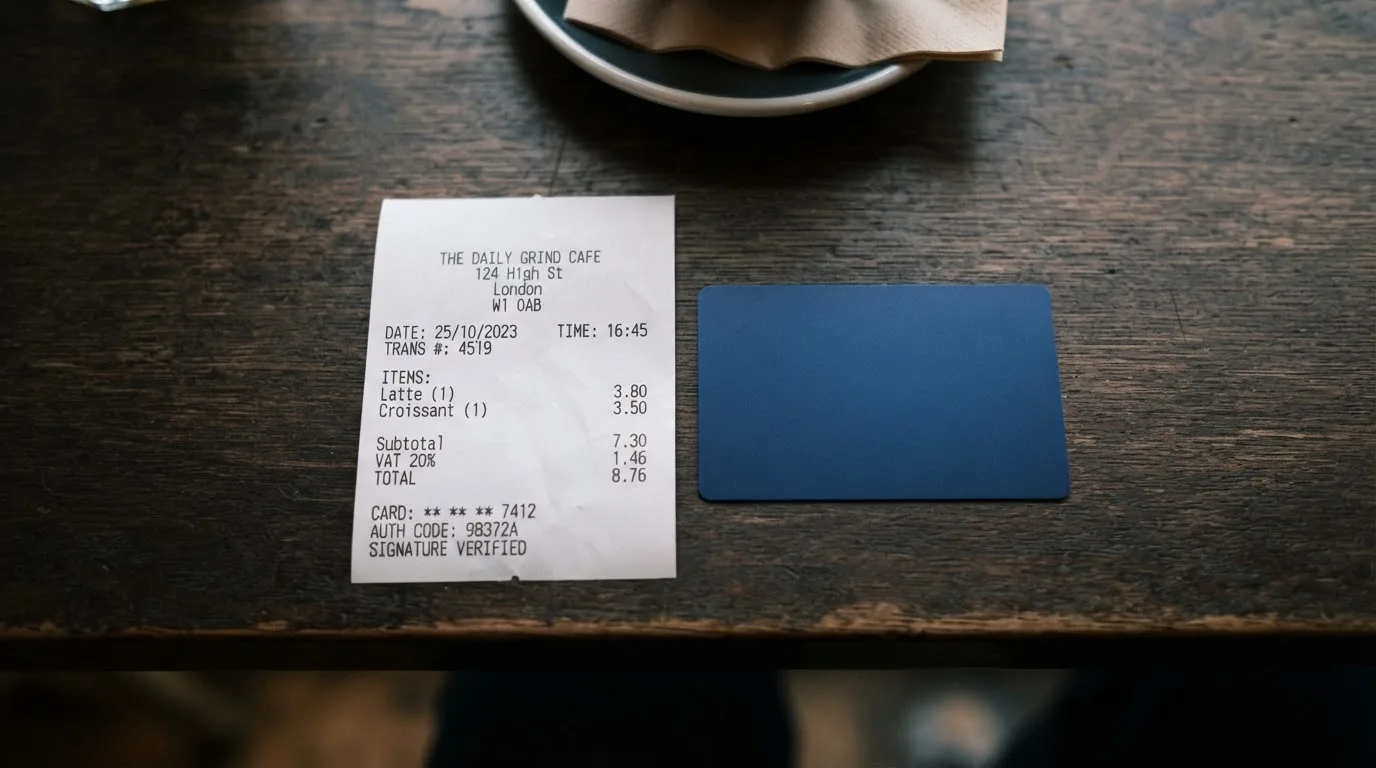
The card’s biggest strengths are cost and funding flexibility. Paying in USD costs nothing, deposits carry no Cashi fee on eight networks, and the 1% conversion fee on non-USD payments is competitive. The breadth of supported stablecoins and networks is unusual: most crypto cards accept USDC on one or two chains, while Cashi covers Tron, Solana, Polygon, BNB Chain, Arbitrum, Ethereum, Base, and Bitcoin, plus native BTC, ETH, and SOL. Cash top-up and cash-out are available in 20+ currencies, which is useful if you want to bridge between crypto and local cash without going through an exchange.
The biggest weaknesses are the limited real-world payment experience and the lack of disclosed regulatory backing. Cashi is virtual only, with no physical card available yet, so you can’t insert or tap a Cashi card anywhere; you can only use the virtual card details online or add it to Google Pay on Android. The help center has an article about Apple Pay, but the article itself has not been read in full for this review, and the company describes Apple Pay as on its roadmap rather than live. ATM access is not available on the virtual card, so you cannot withdraw cash from a Visa-branded ATM. Cashi says it provides technology only, and the issuer’s name, country, and licences are not stated, which means a prospective user has to take the trust arrangement on faith at this stage. No Trustpilot page, Reddit thread, or news complaint specific to Cashi was found, which is consistent with a product that has only been in public beta since August 2026 but also means there is no track record to lean on.
The audience that fits Cashi best is stablecoin holders who want to spend their USDC or USDT at Visa-accepting merchants without going through a centralised exchange sale, and who are comfortable with a virtual-only card and a beta-stage product. The audience it does not fit is anyone who needs a physical card for in-store tap-to-pay, anyone who needs an ATM card, anyone who wants the protection of a named, licensed issuer disclosed up front, and anyone who would rather use a card backed by a longer operating history and published customer reviews.
| Criterion | Mark | Why it scored that way |
|---|---|---|
| Who can get it | 5 / 10 | No country list is published; the card works “anywhere Visa is accepted,” but some merchant categories are restricted for regulatory reasons. |
| Cost | 9 / 10 | The $5 activation fee is refunded as a $5 Spending Credit, USD payments are free, non-USD payments are 1%, crypto deposits carry no Cashi fee, and raising a dispute costs $50. |
| Top-up options | 10 / 10 | USDC and USDT on eight networks, plus BTC, ETH, and SOL, plus cash in 20+ currencies. |
| Reliability and complaints | 5 / 10 | Cashi describes itself as a technology provider, the issuer and licences are not stated, the card has been in public beta only since August 2026, and no public user reviews were found. |
| Everyday use | 4 / 10 | Virtual Visa only, Google Pay works for in-store tap-to-pay on Android, Apple Pay is on the roadmap, and the virtual card cannot be used at ATMs. |
| Total | 6.6 / 10 | A well-priced card for stablecoin holders, held back by a virtual-only form factor and thin public disclosure. |
Who Will Give You the Card
Cashi does not publish a country list. The card works “anywhere Visa is accepted,” and the only geographic guidance on the site is that availability is “subject to local laws.” A note in the help content says that “certain merchant types may be restricted for regulatory reasons,” but the restricted categories themselves are not named. The sign-up flow surfaces country flags for several jurisdictions, which suggests the product is positioned in markets like Argentina, Bangladesh, Brazil, Colombia, the Dominican Republic, Spain, Ghana, Kenya, Malaysia, Nigeria, and Saudi Arabia, but the appearance of a country in the sign-up form is not the same as a published eligibility list, and Cashi has not confirmed any of these as supported or excluded.
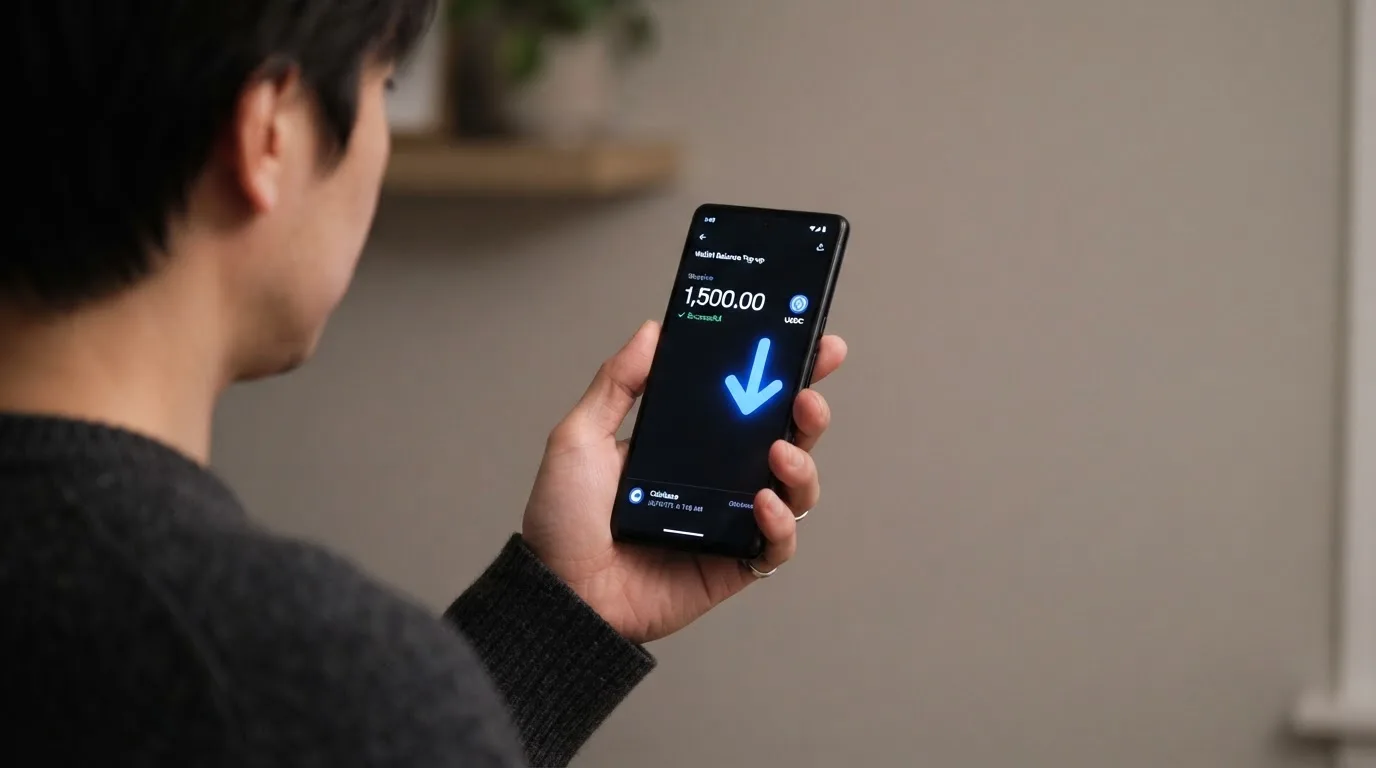
The practical effect is that you only find out whether you are eligible by signing up and trying. Cashi says the verification is “a quick check with your ID and a selfie,” with most checks finishing in minutes and some taking up to 24 hours. There is no mention of a tiered KYC system, no published list of accepted ID documents, no separate address-verification step, and no explanation of why a verification might be rejected. The company has not stated a minimum age, a minimum balance, or any restrictions by nationality, country of residence, or country of birth, which is information that more mature card programmes typically publish.
What this means for you is that your country of residence is the single biggest unknown. If you live in a country that Visa or Cashi’s issuer treats as high-risk, the sign-up may go through but payments may be declined at certain merchants, or the card may be restricted to online use only. If you live in a country under broad sanctions, the sign-up itself is likely to fail at the ID check, and Cashi has not described a process for unblocking such applications.
How to Get It
The sign-up process has four steps. First, you create an account. Second, you verify your identity with an ID document and a selfie. Third, you add at least $5 to your Cashi balance. Fourth, you tap “Activate card for $5” and the $5 is returned to you as a Spending Credit, so the activation fee has a net cost of zero as long as you spend the credit.
The card you receive at the end of this flow is a USD-denominated virtual Visa debit card. There is no physical version available today; the help content says a physical card “will be available in the future,” and there is no timeline. There is no card delivery to wait for because the card lives in the app, and the card details (number, expiry, CVV) are generated digitally.
Because the card is virtual, replacement works differently from a physical card. If you think your card details have been exposed, the documented path is to freeze the card in the app and contact email support at [email protected]; the help content does not describe a one-tap reissue with a new number.
Identity verification is described in qualitative terms: “most finish in minutes,” with a hard ceiling of 24 hours, and no further details on documents accepted, sanctions screening, or PEP checks. The website and help center are published in English, Chinese, Arabic, French, Spanish, Portuguese, Japanese, and Korean, and support staff languages are listed, but the specific languages of the support team are not stated in full.
What It Really Costs
Cashi’s fee structure is one of the clearest parts of the product. The activation fee is $5, and it is refunded as a $5 Spending Credit that you can spend on the card, so the net cost of activation is zero. There is no monthly or annual fee stated on the public pages, and there is no inactivity fee described.
The fees you actually pay depend on the currency of the merchant. If the merchant charges in USD, the payment goes through with no Cashi fee. If the merchant charges in any other currency, Cashi applies a 1% conversion fee to handle the USD-to-local-currency conversion, and the card network’s own FX margin may also apply on top. There is no Cashi fee on crypto-to-balance conversions at the funding stage; you only pay the blockchain network fee, which is paid by your external wallet when you send stablecoins in and is deducted from your Cashi balance when you send assets out.
Cashback comes in three tiers: 3% on eligible subscriptions, 2% on eligible online shopping, and 1% on eligible travel. The caps, per unofficial reading of the help content, are: 2% at named online stores is capped at the first $500 of spend per store per calendar month, with up to $10 cashback per store; other eligible stores share a $500 / $10 monthly bucket; 1% travel is capped at $20 cashback per month, with each booking counting up to $2,000 of spend; 3% subscriptions is limited to monthly plans from a published list that includes Amazon Prime, Google One, Canva, and Uber One, with one charge per service per month. The full help-center article behind the “3-2-1” headline has not been read in this review, so these caps should be treated as unofficial until confirmed in-app.
If you have a problem with a transaction, raising a dispute through Cashi costs $50. Asking the merchant for a refund directly is free. Refunded purchases remove the cashback, and the help content for that has not been read in full here, so the time frame for disputes and the conditions under which a $50 fee is refunded are not stated.
| Fee or limit | Amount |
|---|---|
| Activation fee | $5, returned as $5 Spending Credit |
| Monthly / annual fee | Not stated |
| USD payment fee | 0% |
| Non-USD payment fee | 1% conversion fee |
| Crypto-to-balance conversion fee | None from Cashi; blockchain network fee only |
| Cash deposit and withdrawal fee | Depends on currency and method; quoted in the app before confirming |
| USD account receive | Free |
| USD account send | Up to 3,000 USD in any 7 days; fixed bank fee plus small transfer fee |
| ATM withdrawal | Not available on the virtual card |
| Dispute fee | $50 |
| Daily spending limit | User-set in the app, up to $50,000 |
| Monthly spending limit | Not specified |
To translate this into everyday payments, consider three examples. A $40 supermarket shop in New York paid in USD: zero Cashi fee, plus any cashback the merchant category qualifies for (none for groceries under the 3-2-1 scheme as published). A €30 café bill in Berlin paid in EUR: 1% conversion fee, so about 30 cents on a $33-equivalent charge, plus whatever Visa’s own FX margin adds on the day. A monthly $15 subscription to one of the eligible services: 3% cashback of about 45 cents, paid as Spending Credit, against the $5 activation credit you already hold.
How to Top It Up
Cashi’s funding model is the most distinctive part of the product. The balance is held in stablecoins, and you top it up by sending USDC or USDT from an external wallet to a Cashi deposit address. There is no minimum on digital-asset deposits, no Cashi fee, and the only cost is the blockchain network fee, which is paid by your external wallet.
The supported networks are Tron, Solana, Polygon, BNB Chain, Arbitrum, Ethereum, Bitcoin, and Base, which is a wider list than most crypto cards offer. The activation article also lists BTC, ETH, and SOL as accepted for activation, so you can fund the card with native Bitcoin, Ethereum, or Solana in addition to stablecoins. Cashi-to-Cashi transfers are free.
If you would rather top up with cash, Cashi accepts cash deposits in 20+ currencies. The fee depends on the currency, the method, and the amount, and is quoted in the app before you confirm, so the final number is visible before you commit. Minimums vary by currency and method. Cash-out works the same way: you can withdraw in 20+ currencies, the fee is quoted in the app, and for USD account withdrawals you get up to 3,000 USD in any 7 days, with a fixed bank fee plus a small transfer fee.
One practical point to watch is the network. Stablecoins travel on different chains at different speeds and costs: USDT on Tron is cheap but Tron has been subject to sanctions-related wallet freezing by Tether, while USDC on Ethereum is the most widely supported but has higher gas fees. Cashi also notes that USDC on Tron is not native, because Circle stopped supporting USDC on Tron in February 2024, so any “USDC on TRC20” deposit at Cashi would be a wrapped or bridged variant if it works at all. If you send a stablecoin on a network Cashi does not support, or to an address of a different network, the transfer is irreversible, and recovery is manual and not guaranteed.
Paying with It Every Day
The Cashi card lives in the app and behaves like any other Visa debit card for online payments. You read the card number, expiry, and CVV from the app, type them into a checkout form, and the payment goes through the Visa network. For 3-D Secure purchases you may be asked for an additional confirmation in your banking app or by one-time code, depending on the merchant and the issuer’s risk decision.
For in-store payments, the only option today is Google Pay on Android. You add the virtual card to Google Pay and tap to pay at any contactless terminal. The card’s BIN determines what the terminal sees: it sees a Visa-issued debit card from the issuer’s jurisdiction, and the merchant’s fraud system may react to that. A common reason for declines on crypto-funded cards is that the merchant’s BIN lookup shows an issuer country different from the customer’s billing address, and the merchant applies extra scrutiny or blocks the transaction. There is no published list of blocked merchant categories on Cashi, so the way to find out whether a particular shop accepts the card is to try.
Apple Pay does not work yet. The help center has an article titled “Does Cashi support Apple Pay?” and the company’s own statement is that Apple Pay is “on our roadmap” but “not available yet.” Until that changes, iPhone users pay with the card details online; there is no iPhone in-store tap-to-pay option.
Holds work in the standard card-network way. If you authorise a hotel or car-rental booking, the merchant places a hold above the final amount, the hold reduces your available balance immediately, and the hold is adjusted or released when the final charge is processed. Daily spending is capped by a user-set limit in the app of up to $50,000; the monthly cap is not specified, so if you are a high spender, the effective ceiling is whatever you can negotiate with support or whatever your daily limit allows over a 30-day window.
What Can Go Wrong
Cashi is in public beta, and the public disclosure around it is thinner than for an established card programme. The company says it “provides technology services only,” and that financial products are “issued and managed by licensed third parties.” The name of the issuer, the country where the issuer is registered, and the licences under which the card is issued are not stated on the public pages. One report describes Cashi as Hong Kong-based, while a press release is datelined Sharjah in the UAE; neither has been independently confirmed in this review, and Cashi has not made a definitive statement about its corporate location.
The practical implications are several. First, the regulatory status of the card is unclear to a prospective user: you cannot look up an issuer on a financial regulator’s register because the issuer is not named. Second, the safeguarding arrangement for the stablecoin balance is not described; the company says assets are with licensed third parties, but it does not say whether those assets are segregated, insured, or covered by any compensation scheme. Third, if the programme were suspended by Visa or shut down by the issuer, the path for getting your money out would depend on the terms of the unnamed issuer and the unnamed third-party custodian, and the public beta launch in August 2026 means there is no historical record of how Cashi would handle such an event.
Card security features, on the other hand, are described in some detail. You can freeze the card instantly in the app, set a daily spending limit, toggle online payment controls, and rely on 2FA, PIN, and biometrics options that are described in the help center. Real-time activity alerts are available. The company describes “secure account controls and continuous monitoring.” None of this is unusual for a card product, but it is the layer of protection on the card side; the protection on the balance side depends on the custodian, which is not named.
Support is reachable by email at [email protected], via the help center at help.cashi.com, and through a Telegram channel and an X account. The site and help center are published in eight languages, including English, Chinese, Arabic, French, Spanish, Portuguese, Japanese, and Korean, and the company lists support-staff languages among the same set, without giving the specific count of agents per language.
One operational caveat: account deletion is described in terms of “transfer any remaining balance out of your Cashi account” before deletion, with the warning that “you won’t won’t be able to access your funds” after deletion. The card itself cannot be permanently closed yet, only frozen, so if you want to stop using it, the only option is to freeze it in the app.
What to Take Instead
Cashi is a sensible pick for stablecoin-heavy users who want a virtual-only Visa funded on many networks, but it is not the only card in this corner of the market. Three alternatives worth weighing, each with a different trade-off.
Bitrefill’s card, scoring 6.8 out of 10, is the closest functional alternative. It offers a virtual and physical Visa, accepts Bitcoin, Lightning, Ethereum, USDC, USDT, Solana, Base, Polygon, and Li.Finance for top-up, and pays 2% cashback with no cap: 1% on each crypto deposit and 1% on each purchase. The downside is that the card is denominated in euros, and Bitrefill applies a spread on the crypto-to-euro conversion (the exact percentage is not stated), a 1.99% SEPA pay-in fee, and a spread by payment processors and ATM operators on spending. The FX fee itself is not stated. The inactivity fee kicks in after 12 months without spending or cash-out, and the country list is not published; the terms say access is “subject to eligibility criteria” and “further eligibility requirements, established and verified by our partners, shall apply.”
UPay, at 6.1 out of 10, is broader geographically: the company claims support in 180+ countries, with virtual and physical options in personal and business variants. The network is not named, and payments convert to USD, EUR, AED, and others. The fees are not stated on the card page, and there is no cashback mentioned for card spending, although the home page references an “Earn While You Sleep” product whose details are not given. Funding is via BTC, ETH, or USDT, with USDC also listed. The KYC partner accepts only ID documents issued by the same country as the user, which is a meaningful constraint for anyone whose documents come from a different jurisdiction.
Kemy, at 6.0 out of 10, has the clearest published pricing but the most expensive structure. Virtual cards cost $15 to issue and are valid for three years, with a $2 monthly fee; the physical Mastercard costs $250 with DHL Express included, is valid for three years, and has a $10 monthly fee. Top-up fees are $1.50 under $100 or 1.25% from $100 (with a $5 minimum for virtual and $10 minimum for physical), and the transaction fee is 3.5% plus $1. Kemy supports USDT and USDC “on the main networks” (specific chains not listed) plus BTC, ETH, and SOL via an on/off ramp, and fiat via mobile money and virtual bank accounts. Cashback is not mentioned. The country list is “190+ countries” with “a few restrictions” at sign-up.
If your priority is cost, Cashi beats all three on everyday payments in USD and on crypto deposits. If your priority is a physical card today, Bitrefill and Kemy both ship one. If your priority is breadth of countries, UPay and Kemy are more explicit than Cashi. If your priority is cashback with no cap, Bitrefill’s 2% structure is the most generous of the four.
| Card | Score | Card type | Card currency | Activation / monthly | Cash deposit | Cashback |
|---|---|---|---|---|---|---|
| Cashi | 6.6 / 10 | Virtual Visa | USD | $5 activation, refunded as credit; no monthly fee stated | 20+ currencies, fee quoted in app | 3% / 2% / 1% by category, monthly caps |
| Bitrefill | 6.8 / 10 | Virtual and physical Visa | EUR | Issuance and monthly not stated; inactivity fee after 12 months | Not stated on card page | 2% total, no cap (1% on deposit, 1% on purchase) |
| UPay | 6.1 / 10 | Virtual and physical, personal and business | USD / EUR / AED / others | Not stated | Not stated | Not stated on card page |
| Kemy | 6.0 / 10 | Virtual Visa and physical Mastercard | Not stated | $15 virtual + $2/month; $250 physical + $10/month | Mobile money and virtual bank accounts | Not mentioned |
Who I Would Recommend It To
I would recommend Cashi to a specific kind of reader: someone who already holds USDC or USDT across multiple chains, who wants to spend that balance at Visa-accepting merchants without first selling to fiat on a centralised exchange, and who is comfortable with a virtual-only card and a product that is still in public beta. The eight supported networks for stablecoin deposits are the main draw, especially if you hold USDT on Tron and USDC on Ethereum, Polygon, and Base and want a single card that accepts all of them. The 0% fee on USD payments and the 1% fee on non-USD payments are competitive, and the $5 activation credit is a fair way to refund the activation fee.
I would not recommend Cashi to several other kinds of reader. If you need a physical card to tap in shops, the current virtual-only design will not work, and there is no published date for a physical version. If you need to withdraw cash from ATMs, the virtual card cannot be used at ATMs and the help content does not describe an ATM path. If you need a named issuer with a published licence and a published safeguarding arrangement, Cashi does not provide that. If you are uncomfortable with a product whose public beta only began in August 2026 and whose user-review footprint is effectively zero, a more established card is the safer choice.
The single most important thing to check before signing up is whether your country is on the unofficial list surfaced in the sign-up flow and whether the KYC partner accepts your ID document. The second most important thing to check is the help center article for your specific use case, because the article behind several of the “stated but not detailed” features in this review has not been read in full here. If both checks pass, Cashi is a low-cost, network-agnostic way to spend stablecoins; if either check fails, one of the alternatives above is likely a better fit.
Frequently Asked Questions
What is the Cashi card?
The Cashi card is a USD-denominated virtual Visa debit card that draws on a balance held in stablecoins. You send USDC or USDT on a supported blockchain to your Cashi deposit address, the balance sits in tokens, and when you pay at a merchant the system converts the stablecoin balance to USD and routes the payment through Visa. The card is virtual only; a physical version and Apple Pay are on the company’s roadmap.
How does the Cashi card work?
You sign up, verify your identity with an ID and a selfie, deposit at least $5 in USDC or USDT, tap “Activate card for $5” and get $5 back as a Spending Credit, and the virtual Visa card details appear in the app. You then use those card details online or add them to Google Pay on Android for in-store tap-to-pay.
Is Cashi a bank?
No. Cashi describes itself as a technology provider, and the card programme is issued and managed by a licensed third party whose name, country of registration, and licences are not stated on the public pages. The card balance is held in stablecoins, not in a bank account, and there is no deposit guarantee.
Who owns Cashi?
Cashi has not published a corporate ownership structure in the pages reviewed. One report describes the company as Hong Kong-based and a press release is datelined Sharjah in the UAE, but neither has been independently confirmed. Treat the corporate location as unconfirmed until Cashi publishes it.
Is the Cashi card available in my country?
There is no published country list. The card works “anywhere Visa is accepted,” and availability is “subject to local laws.” The sign-up flow surfaces country flags for several jurisdictions, which is a hint but not a published eligibility list. The only reliable check is to sign up and complete the ID and selfie verification.
How do I activate the Cashi card?
You add at least $5 to your Cashi balance, tap “Activate card for $5,” and the $5 is returned to you as a Spending Credit, so the activation fee has a net cost of zero. Most of the flow is digital because the card is virtual, so there is no card to ship.
How do I top up the Cashi card?
You send USDC or USDT from an external wallet to a Cashi deposit address on one of the supported networks: Tron, Solana, Polygon, BNB Chain, Arbitrum, Ethereum, Bitcoin, or Base. BTC, ETH, and SOL are also accepted for activation. There is no Cashi fee on digital-asset deposits; you only pay the blockchain network fee, which comes from the sending wallet. Cash top-up is available in 20+ currencies with the fee quoted in the app.
Is the Cashi card free?
The $5 activation fee is refunded as a $5 Spending Credit, so activation is net free as long as you spend the credit. USD payments carry no Cashi fee, non-USD payments carry a 1% conversion fee, and crypto-to-balance conversions have no Cashi fee. There is no monthly or annual fee stated.
How do I add the Cashi card to Apple Wallet?
You cannot, yet. Cashi describes Apple Pay as on its roadmap and “not available.” The help center has an article on Apple Pay that has not been read in full for this review. Today, iPhone users pay online with the card details; in-store tap-to-pay is limited to Google Pay on Android.
How do I delete my Cashi account?
You transfer any remaining balance out of your Cashi account, then request account deletion. Cashi warns that after deletion “you won’t be able to access your funds,” so make sure the withdrawal is complete before deleting. The card itself cannot be permanently closed; it can only be frozen in the app.
Virtual cards – cryptocardsearch.com
Content created by the «cryptocardsearch.com» team